Eligible factory activation
From AED 300per vehicle
Requires eligible factory equipment. Screens, retrofit hardware and any required licence are checked separately.
Use iPhone navigation, calls and music on your car’s display. Mechanics checks your infotainment system and matches the activation, retrofit interface or replacement screen to your car.
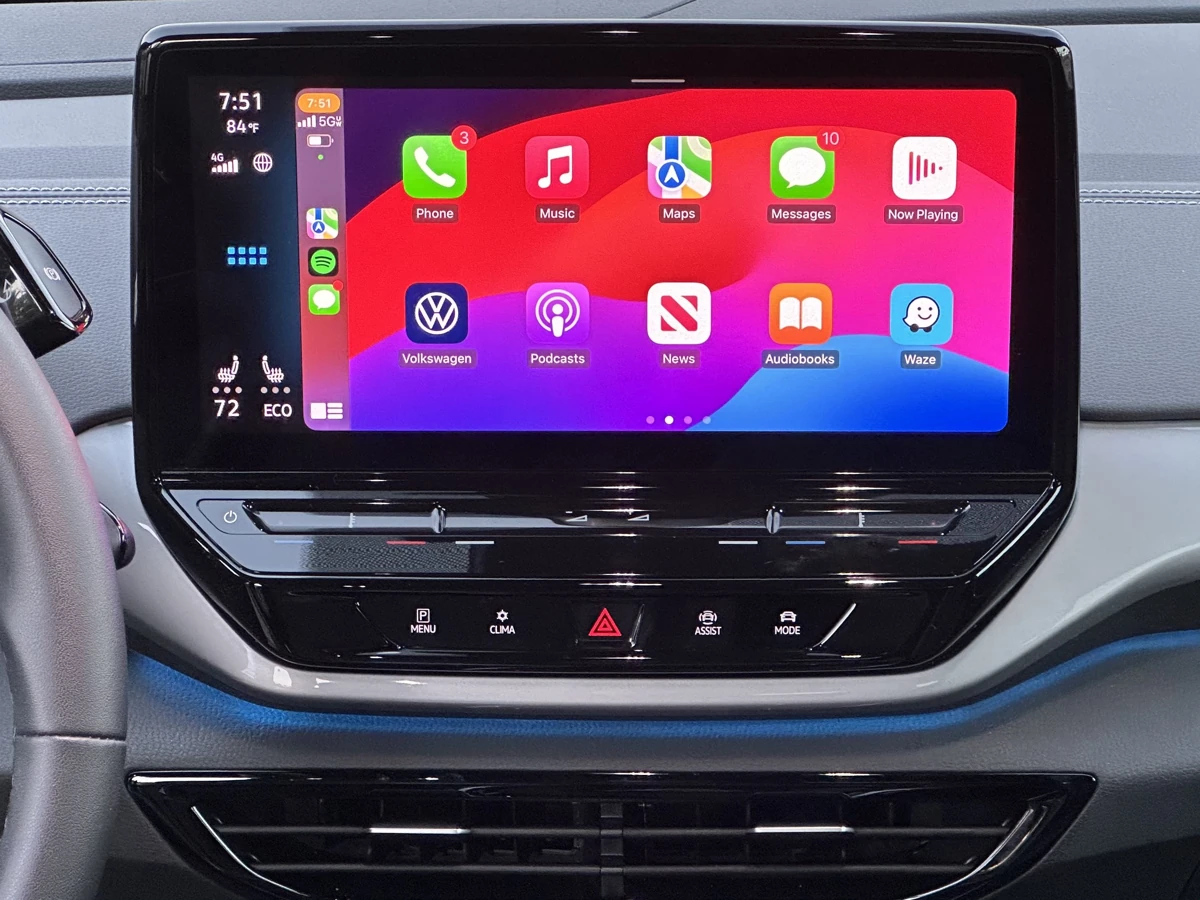
Compare the upgrade method and the equipment included. These are indicative Dubai market examples, not fixed Mechanics tariffs.
Requires eligible factory equipment. Screens, retrofit hardware and any required licence are checked separately.
Confirm whether the selected interface, wiring adapters and fitting are included.
Published example includes an AED 1,200 screen and AED 300 fitting. Extra interfaces can change the total.
Requires a compatible, working wired CarPlay system. It does not add missing CarPlay hardware.
Your fitted infotainment system determines what will work. We check compatibility before equipment is ordered.
Keep the original equipment when the head unit and software support activation. A model name or Bluetooth menu alone does not establish eligibility.
Head unit, software and licence checkedKeep a compatible original screen and add a matched interface. Confirm how the kit uses the screen, controls and audio connection.
Factory menus and switching demonstratedReplace the receiver or screen when a suitable retrofit is needed. Match the fascia, mounting depth, microphone and audio adapters.
CarPlay support confirmed for the exact productAn Android-powered display is not automatically a CarPlay system. Check its specified wired or wireless CarPlay support before buying.
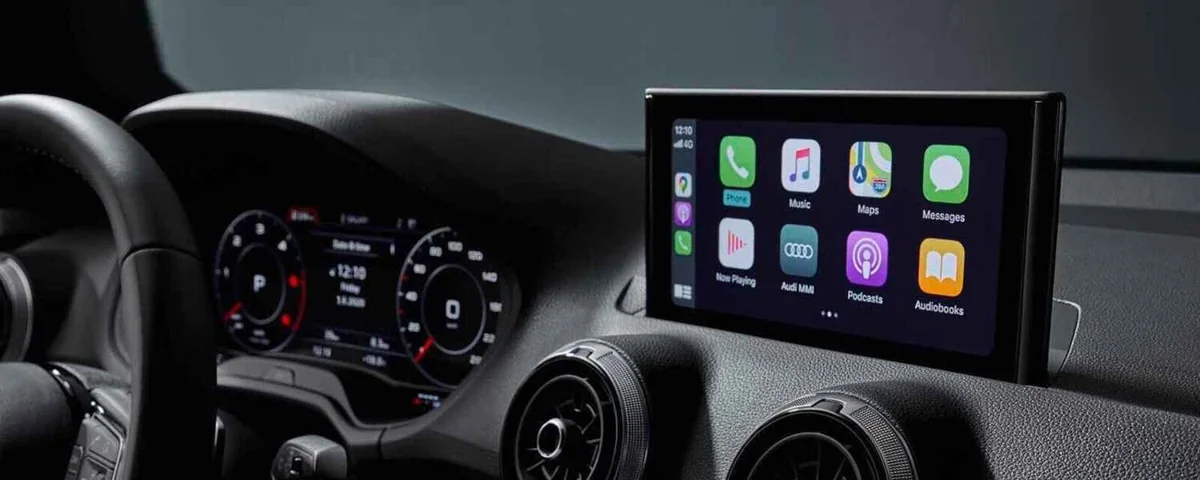
System names cover different configurations. Confirm the actual equipment fitted to your car.
Match the actual screen generation, size and connectors. See our Audi CarPlay integration service for model-specific guidance.
Agree how the reverse camera, parking display, 360-degree view and climate menus will work. Additional interfaces may be required.
Confirm the touchscreen, rotary controller, steering buttons and factory amplifier. AUX or fibre-optic MOST audio can need a specific adapter.
Check call clarity and Siri operation. Some kits need a separate microphone rather than the factory one.
Already have a faulty display? A blank screen, damaged touchscreen or intermittent power needs assessment first. Our navigation screen repair service covers the repair option.
Choose the connection supported by the receiver or retrofit interface and your everyday iPhone.
Bluetooth calls and music do not establish CarPlay compatibility. Wireless charging is a separate feature.
Buying a wireless dongle? Many conversion adapters require existing wired CarPlay. They do not replace a missing interface or a faulty head unit.
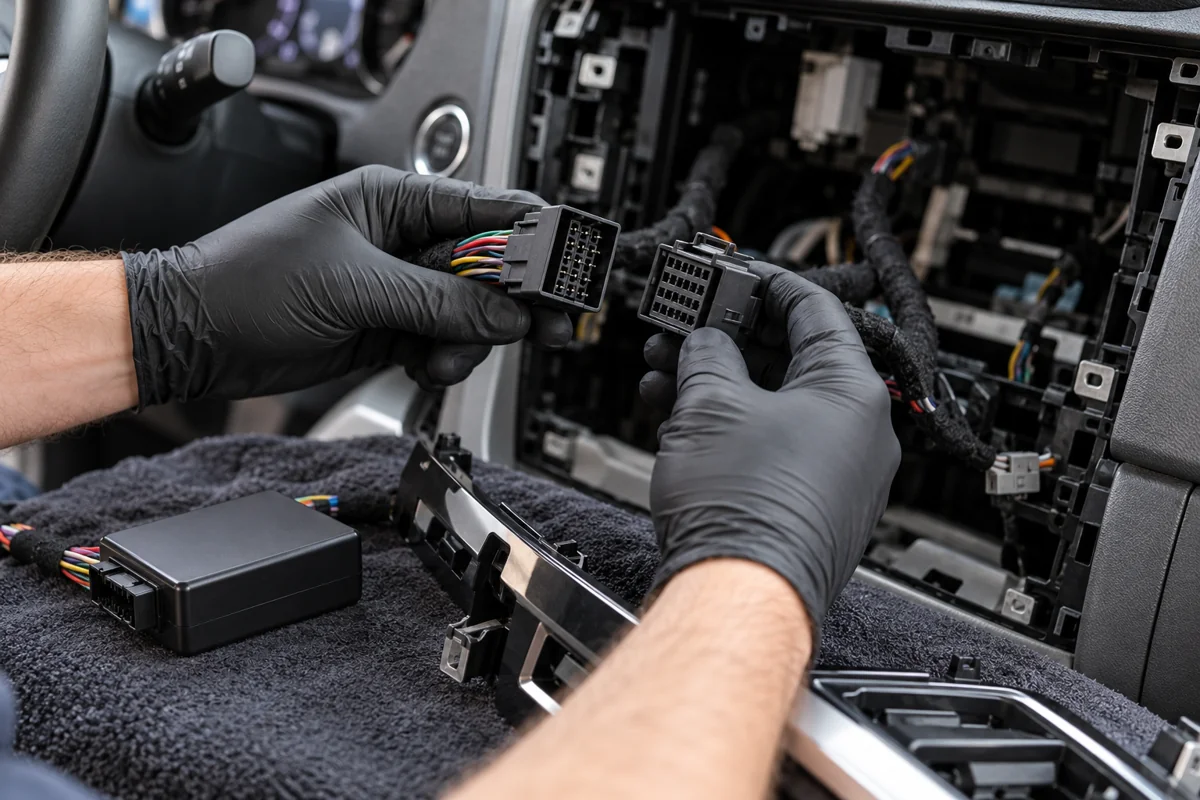
Check existing display, audio, controls and cameras. Identify faults already present before an upgrade.
Agree the kit, fascia and any camera or amplifier adapters. Secure wiring and refit trim without interfering with vehicle controls.
Check CarPlay, sound, microphone, original menus, supported controls and reversing view with your everyday iPhone.
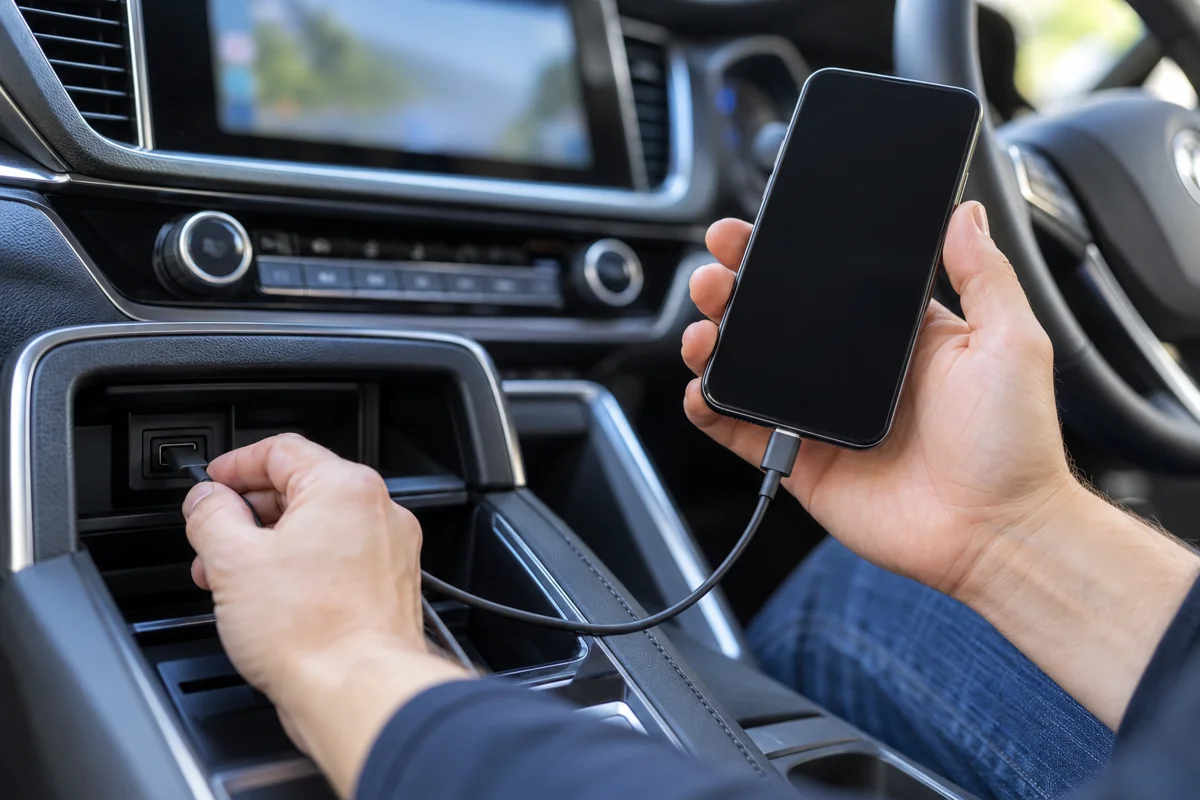
Bring your everyday iPhone. Enable Siri and set up while parked. Check reconnection after restarting the vehicle system.
Check the microphone, call volume and navigation prompts alongside music. Agree how to select the correct phone.
Retain the equipment model, instructions and warranty terms. Follow the kit supplier’s update guidance rather than installing unrelated firmware.
Check the receiver’s supported iPhone and software requirements. Bring a suitable data cable for wired use.
Supported apps depend on the phone and receiver. CarPlay is not full phone-screen mirroring. Mobile data, subscriptions, offline maps and any kit-specific licences are separate. A generic retrofit is not a CarPlay Ultra upgrade and does not automatically add manufacturer-specific climate or vehicle-information features.
A straightforward supported retrofit can take a few hours with the correct kit ready. Parts availability, trim access, amplifier integration or existing faults may extend the work. Confirm timing before travelling.
Confirm hardware and installation coverage, exclusions, software support and the process for a connection issue after fitting. Reversibility and any effect on the vehicle’s existing warranty depend on the modification and applicable terms.
Choose by the fitted system, itemised quotation and functions you need to retain.
No universal fit can be promised. Some cars support factory activation, others need a matched interface or replacement receiver, and some configurations may not have a suitable option. We inspect the equipment fitted to your car before recommending a kit.
The complete price depends on the option and hardware. Indicative Dubai examples include activation services from AED 300, installation services from AED 900 and a fitted replacement-screen example from AED 1,500. These cover different work and are not confirmed Mechanics tariffs. Check the itemised total and applicable VAT.
Sometimes. A compatible retrofit interface or supported factory activation may let you keep it. The screen generation, controls and audio connections must match the selected option. A working screen alone does not establish compatibility.
Many conversion dongles only turn existing wired CarPlay into wireless use. They require a compatible working CarPlay receiver. A car without CarPlay may need activation, an interface or a replacement unit first.
Retention depends on the vehicle and kit. Agree which buttons, camera views, factory menus and amplifier functions will work, including any required adapters. Test them during handover rather than relying on a universal retention claim.
No. Bluetooth calling and audio streaming are separate capabilities. Check for CarPlay support in the vehicle or receiver specification and confirm the supported wired or wireless connection.
CarPlay is for compatible iPhones. An Android phone needs an Android Auto option supported by the receiver or interface. Some kits offer both, but this must be confirmed for the exact product.
Share its exact model, harness details and vehicle compatibility before booking. Fitting charges, additional adapters and responsibility for hardware faults need to be agreed separately. Do not buy solely because a listing names your car brand.
No. CarPlay is an iPhone integration system. An Android-powered head unit may run its own apps and may also support CarPlay through specified hardware or software. The operating system and CarPlay capability should be checked separately.
An existing connection problem needs diagnosis before a replacement upgrade. Check a supported data cable, the correct USB port, phone permissions and the receiver’s specified software requirements. A faulty USB connection, interface or display may require repair rather than a new screen.
That depends on the modification and the vehicle’s warranty terms. Avoid assuming every retrofit is reversible or automatically covered. Confirm the proposed connections, hardware warranty and fitting coverage before approving work.
No. Your phone, mobile data and any app subscriptions are separate. Supported apps and offline functions depend on the app and phone configuration. Confirm any kit-specific licence or interface requirement in the quotation.
Send your model, year and dashboard photos. We check compatibility and explain the fitted quotation before work starts.